Pages
Resources in the app sidebar is where you see and manage the pages on your site. NxisAI discovers your pages from your sitemap, so each URL is ready for you to attach structured data. The Resources tab lists each page with its entity count, schema types and publishing status, beside the Entities and Queued Jobs tabs.
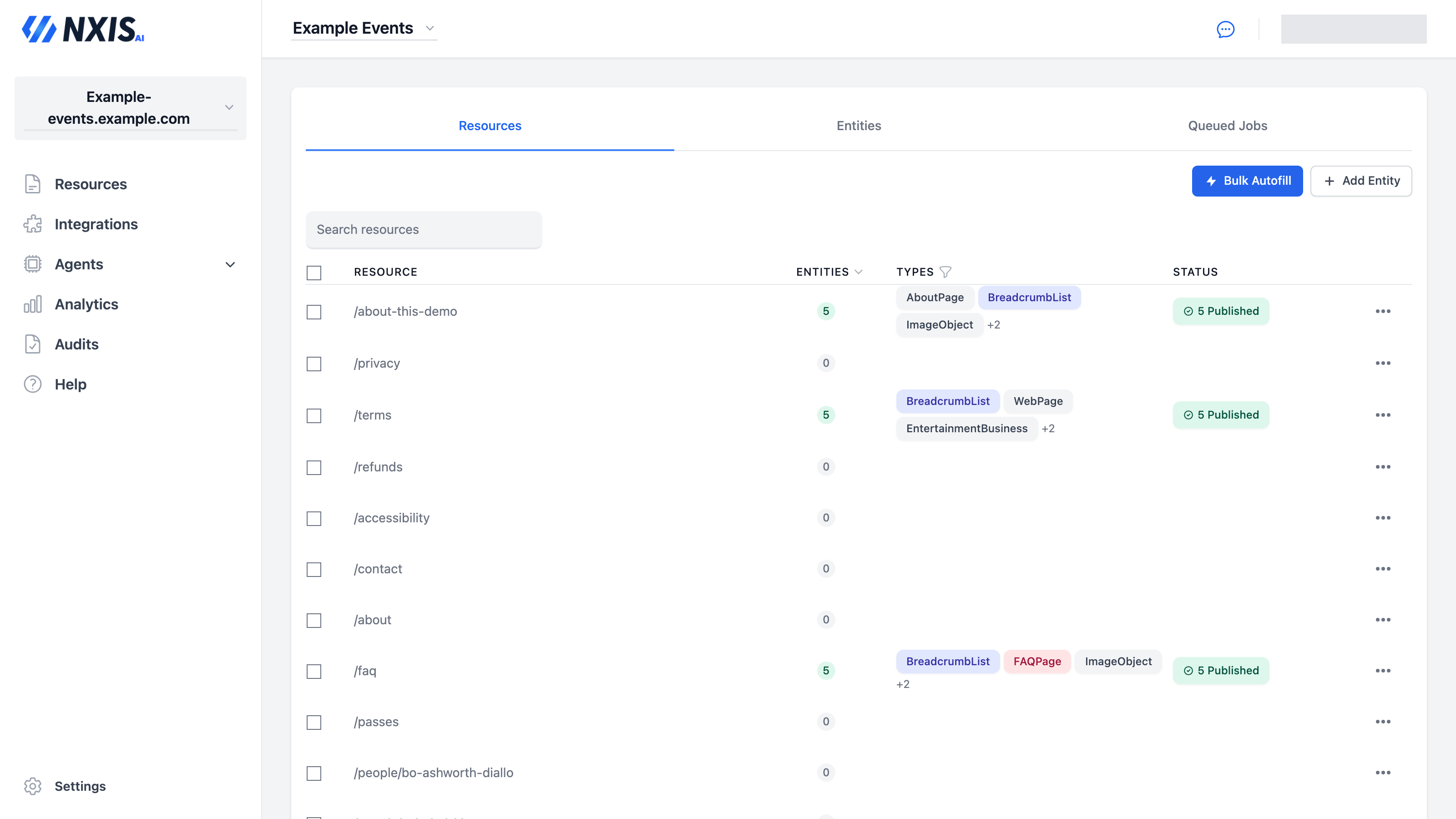 Resources: every URL discovered from your sitemap, with the entities attached to it.
How pages are discovered
NxisAI builds your page list from the sitemap you configure for the site. After you set or update your sitemap URL, run a Sync to crawl it and pull in new pages.
- Configure your sitemap in Site Settings → AIO. See Site Settings.
- Click Sync to discover newly added pages at any time.
Configuring your sitemap is the most important first step after onboarding — it's what lets NxisAI discover your pages automatically so you don't have to add them by hand.
Working with pages
From Resources you can:
- Search for a page by URL.
- Select a page to see the entities applied to it.
- Add an entity to a page (this opens the entity creation flow). See Creating & Managing Entities.
A single page can carry multiple entities — for example a product page might have both a Product and an FAQPage entity. NxisAI deploys all of a page's entities together.
Pages and the agent surfaces
Every page you enhance contributes to the two ways your site works with AI:
- Out on the web — the page's structured data becomes queryable by external agents through your MCP endpoint.
- On your page — forms and actions on the page can be exposed to in-browser agents through WebMCP.