Billing & Plans
Everything you need to know about NxisAI plans, usage limits, and billing. The Billing tab lives under the My Account menu.
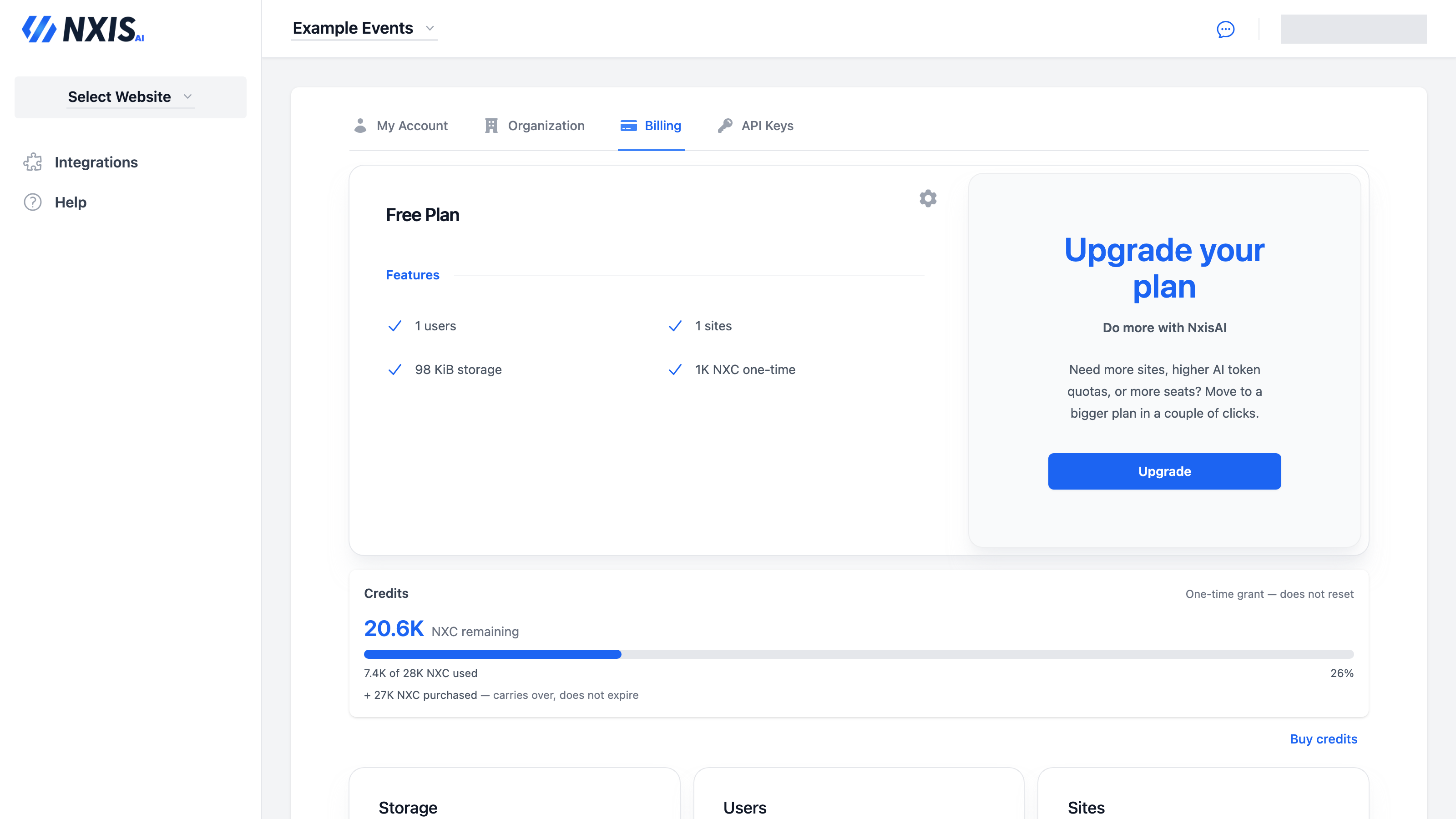 The Billing tab displays your subscription plan and upgrade options.
Plan resources
Each plan includes a set of resource allocations:
| Resource | Description |
|---|---|
| Users | The number of team members who can access the workspace. |
| Storage | The amount of data NxisAI uses to store your entity data, including structured-data schemas and related metadata. |
| Sites | The number of websites you can register and manage within your organization. |
| Tokens | Your monthly allocation of AI tokens, consumed when NxisAI runs AI-powered jobs such as entity generation via AI AutoFill. |
AI tokens are used exclusively for AI jobs (e.g. AI AutoFill entity generation). They are not consumed by integrations, standard platform operations, or implementation via the MCP or Shopify integrations.
Current tiers
| Tier | Highlights |
|---|---|
| Basic | Ideal for individuals and small teams getting started with structured data. |
| Pro | Increased token allocation and expanded limits for growing teams. |
Additional plans and configurations will be available in a future update.
The Billing tab
The Billing tab provides an overview of your current subscription plan, usage limits, and upgrade options.
Current plan
The left card displays your current plan name (e.g. Basic Subscription) and the features included — Users, Storage, Sites, and Tokens.
Upgrade
The right card shows the next available plan tier. Click Upgrade to move to a higher plan with increased limits.
Managing your plan
View and change your subscription from the Billing tab under the My Account menu. The tab shows your current plan features alongside the next available upgrade option.