API Keys
The API Keys page (under the My Account menu) is where you manage the credentials that let agents and applications connect to your NxisAI data. Keep these credentials secret — anyone with them can access your structured data.
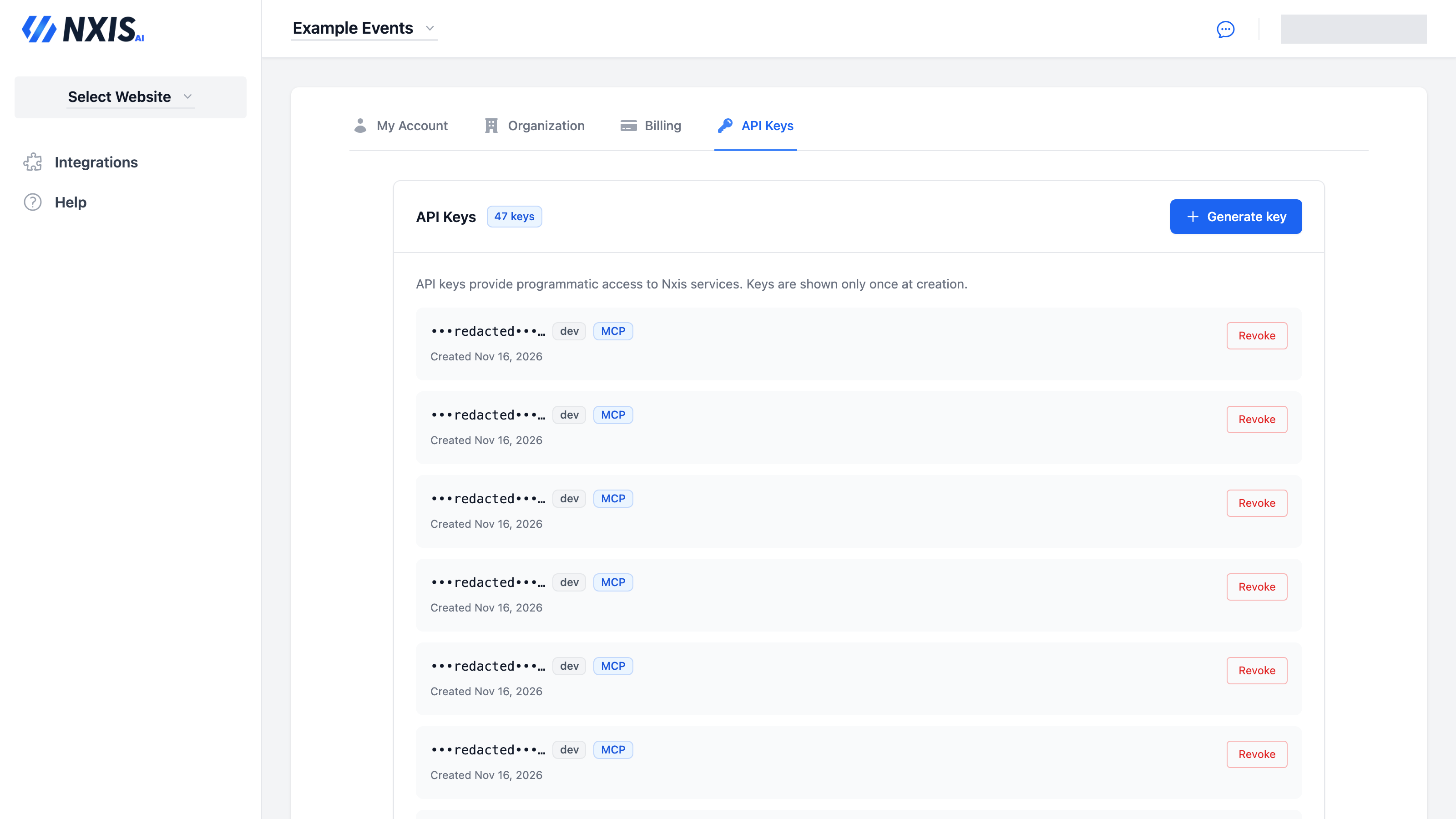 The API Keys tab under account settings.
Types of credentials
NxisAI uses two kinds of credentials, depending on how you're connecting:
| Credential | Used by | Where it's used |
|---|---|---|
| MCP API key | AI agents (Claude, Gemini, etc.) | Sent as the nxis-api-key header to your site's MCP endpoint |
| OAuth client credentials (client ID + secret) | The SSR SDK | Server-side, to fetch structured data at render time |
MCP API keys
Your MCP API key authenticates AI agents that connect to your site's MCP endpoint. A key is generated automatically when you first enable MCP for a site.
- View and copy it from the MCP tab in Site Settings, or manage it here on the API Keys page.
- Use it with the connection examples in MCP for AI Agents.
To revoke agent access, disable the MCP integration for the site or rotate the key.
Keys for setting up sites
The same kind of key also authenticates the provisioning MCP server, which an agent uses to create and configure sites. A key used there resolves your organization, not a single site, which is what lets an agent act before any site exists.
Agentic onboarding generates one for you as part of setup. You can also generate one here and connect an agent yourself.
NxisAI stores a hash of your key, not the key. It is displayed at the moment it is generated and cannot be retrieved afterward — copy it then, or generate a new one.
A key issued outside an organization cannot be used for provisioning. The server refuses it rather than picking an organization on your behalf.
OAuth client credentials (SSR SDK)
If you're rendering structured data server-side with the SSR SDK, you'll use an OAuth client ID and client secret. The SDK exchanges these for short-lived access tokens automatically.
Provide them to your application as environment variables — never hard-code them:
NXIS_CLIENT_ID=...        # your OAuth client ID
NXIS_CLIENT_SECRET=...    # your OAuth client secret
NXIS_SITE_ID=...          # the site these credentials apply to
Managing keys
From the API Keys page you can typically:
- Create a new key or credential.
- Copy a key to your clipboard (secrets are shown once or masked — store them securely).
- Rotate a key when you suspect it has been exposed.
- Revoke a key to immediately cut off access.
- Store keys in environment variables or a secrets manager — never commit them to source control.
- Rotate a key immediately if it may have been exposed.
- Use separate keys per environment (development vs. production) where possible.